
How to book your private lesson
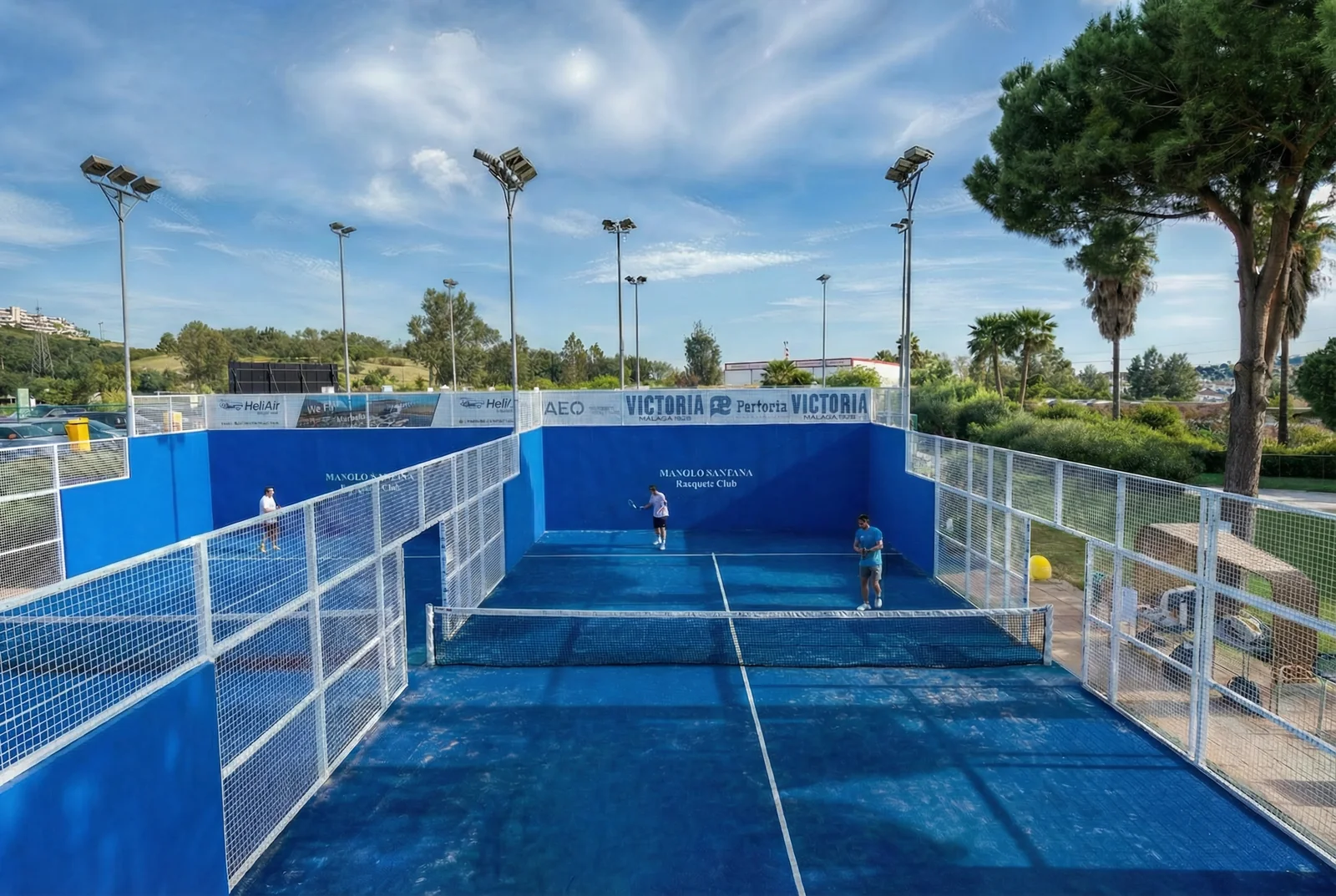
Tennis or padel, a 50-55 min lesson with one of our coaches. Pay online or with your lesson pass, and it’s booked straight away.
Booking and paying online
- 1Open “Book a lesson” and choose the sport and how many players (1, 2-3 or 4). The price is per lesson, not per person.
- 2Pick a day and time. We suggest a coach; if you prefer another one who’s free at that time, tap their name.
- 3Fill in your details and tap “Book tennis lesson” or “Book padel lesson”. You’ll see the final price (members get 15% off).
- 4Pay by card. Your lesson is booked and you’ll get a confirmation email.
Booking with your lesson pass
- 1Sign in to the club shop and go to “My account”.
- 2Tap “Book with my pass”. You arrive at the booking page already signed in: you’ll see “Signed in as” and your email.
- 3Choose day, time and coach as usual.
- 4Tap “Book with my pass (N lessons left)”. The lesson comes off your pass and is booked straight away.
Use the same email in the shop as in Playtomic; if we can’t find your pass, message us. If your shop session expires, sign in again from the shop. You can also pay for that lesson by card.
Lessons for a child
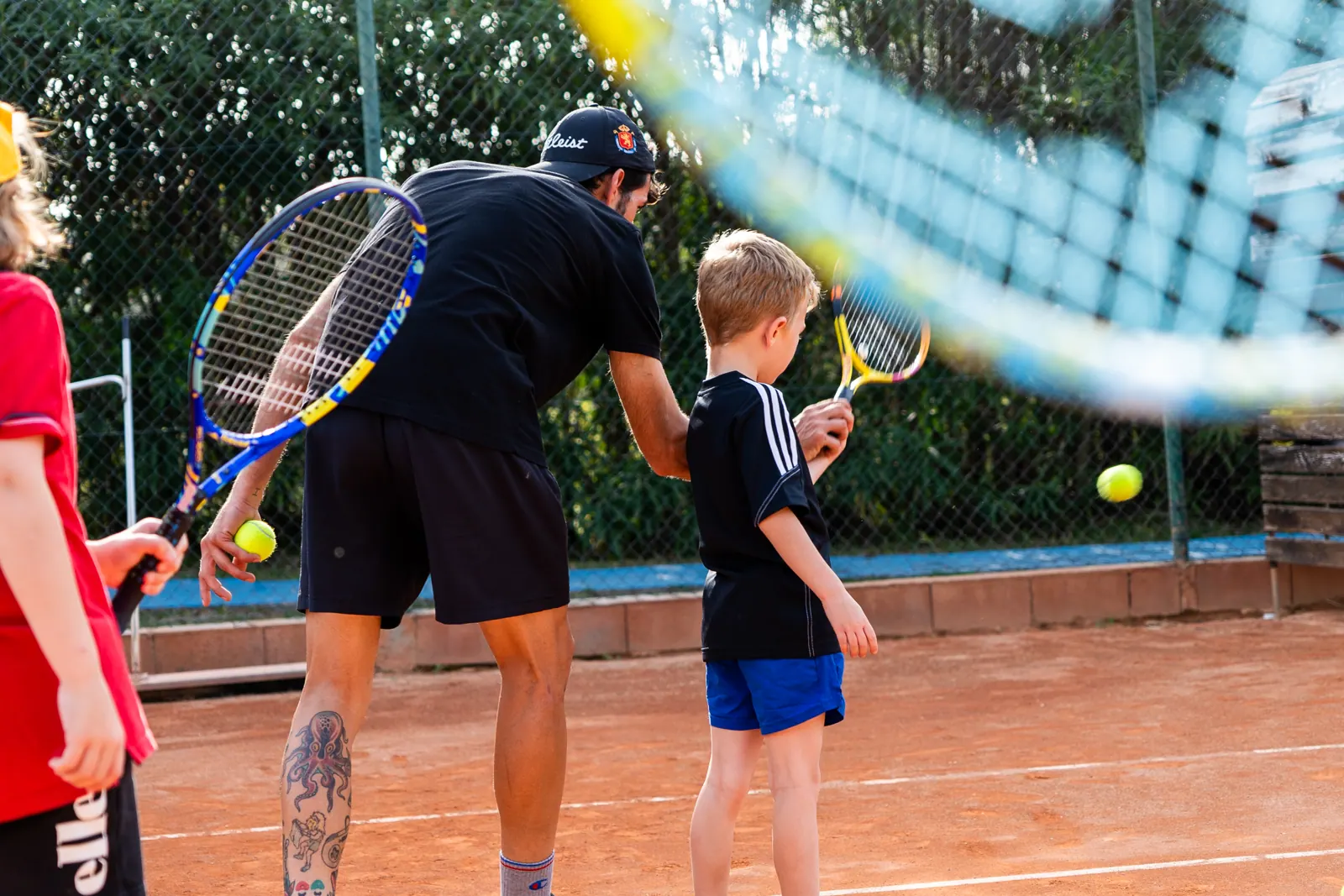
- Answer “Yes” to “Is the lesson for a child?” and enter their first name, surname and date of birth. Kids’ lessons are for ages 3 to 17.
- With the date we can also show our kids’ coaches.
- The contact details are yours (parent or guardian): the lesson goes to your account and the child is added as your family member.
Cancelling a lesson
- If you can’t make it, let us know on WhatsApp or at reception.
- The amount of a cancelled lesson is exchanged for credit on your Bono Monedero (club wallet) for another lesson or booking. We don’t give cash refunds.
- If you paid with your lesson pass, the credit goes back to your pass.
Questions? Message us and we’ll help you book.
WhatsApp +34 647 727 355